F-15C Helmet-Mounted Display (HMD)
The HMD presents flight, friendly aircraft, target and weapon information in your field of view. It can also cue the radar antenna or an infrared missile seeker.
Click a screenshot below to view it at its original resolution.
1. Power-on and self-test
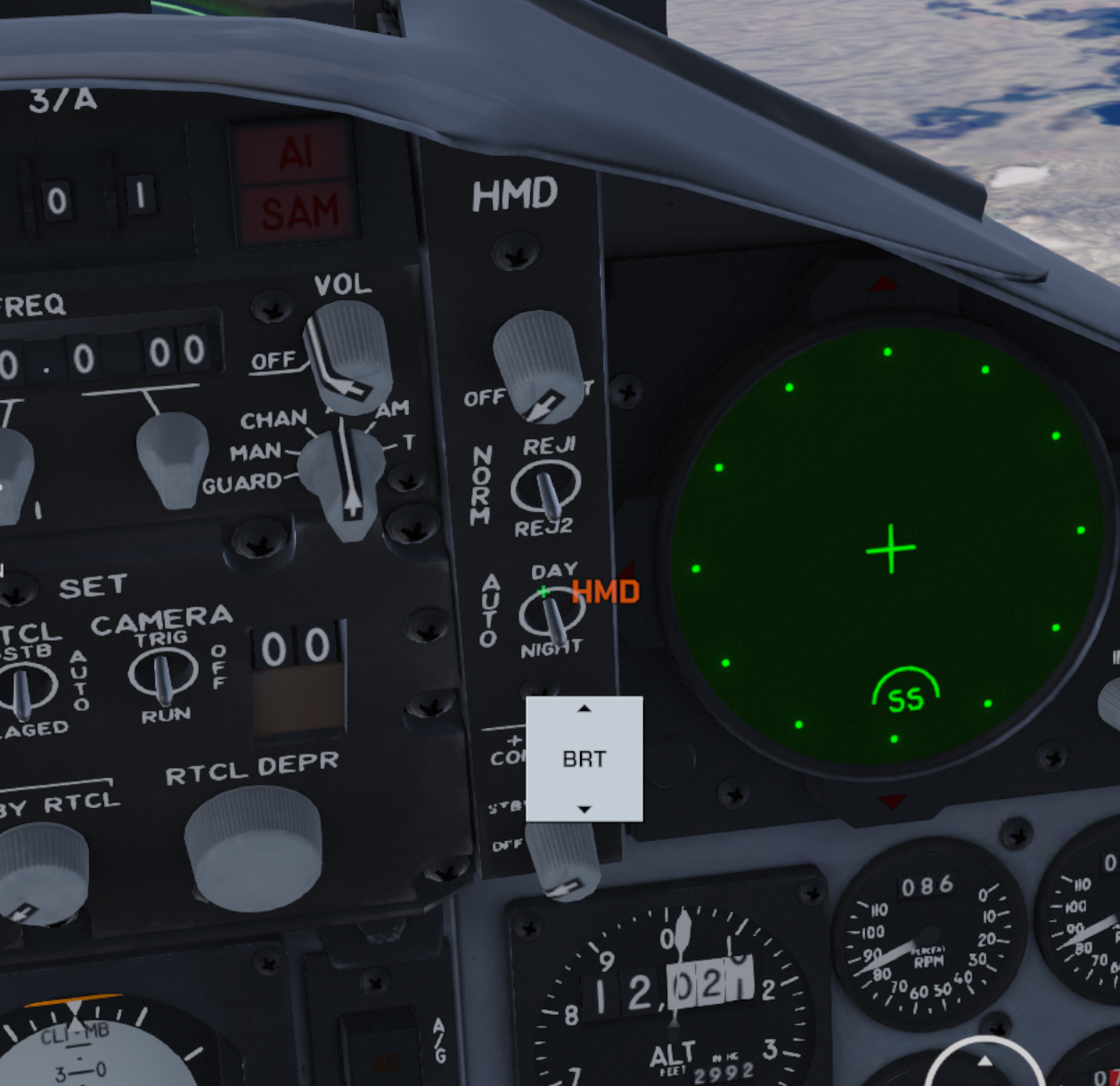
Swipe upward on the BRT touch control in the HMD control area to turn on the HMD.
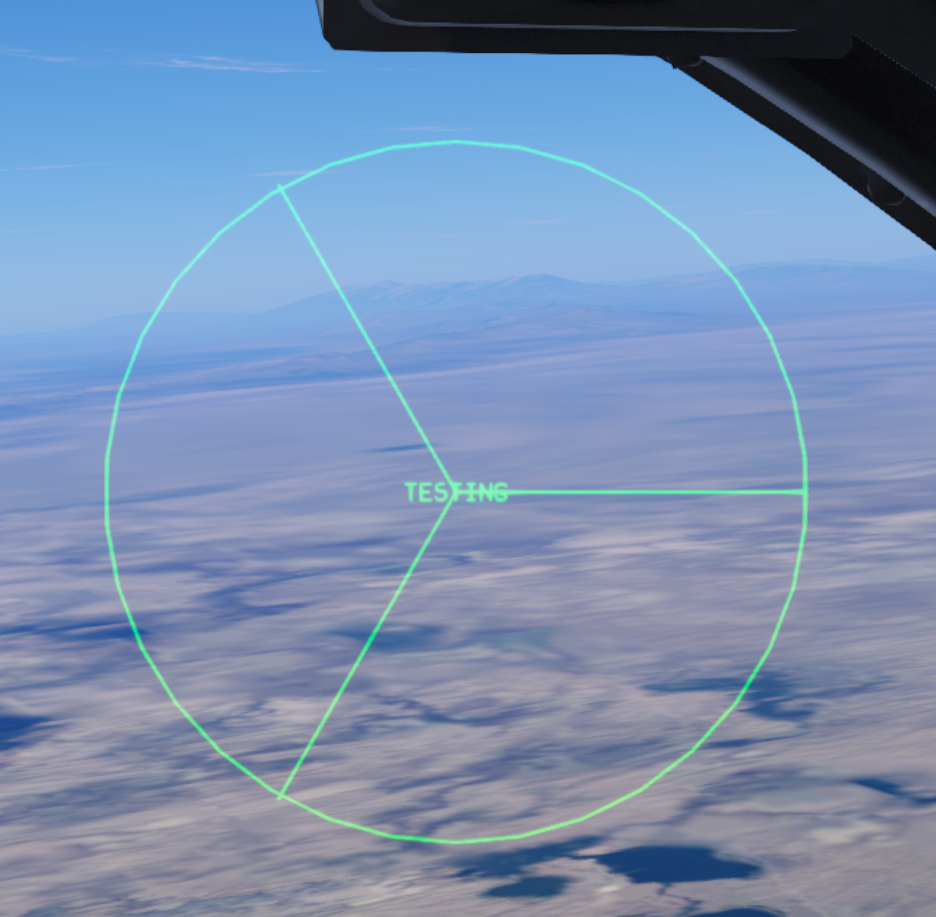
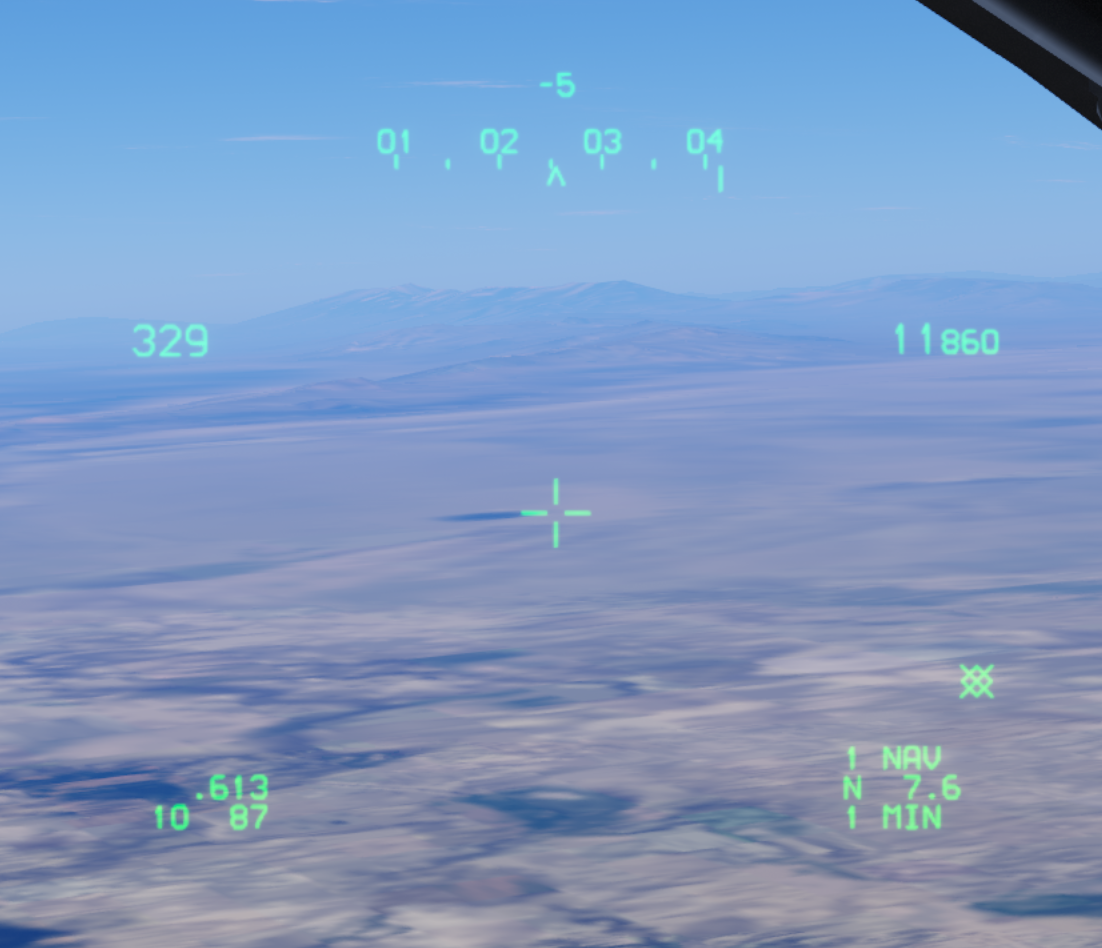
After power-on, the HMD displays the TESTING self-test screen. Once the test finishes, the normal display shows flight information such as heading, airspeed and altitude.
2. Datalink friendly aircraft display
With the datalink enabled, you can see friendly aircraft positions directly in the HMD. Image 4 shows flight members on the SIT page; image 5 shows friendly symbols in the HMD, helping you locate friendlies while looking outside.
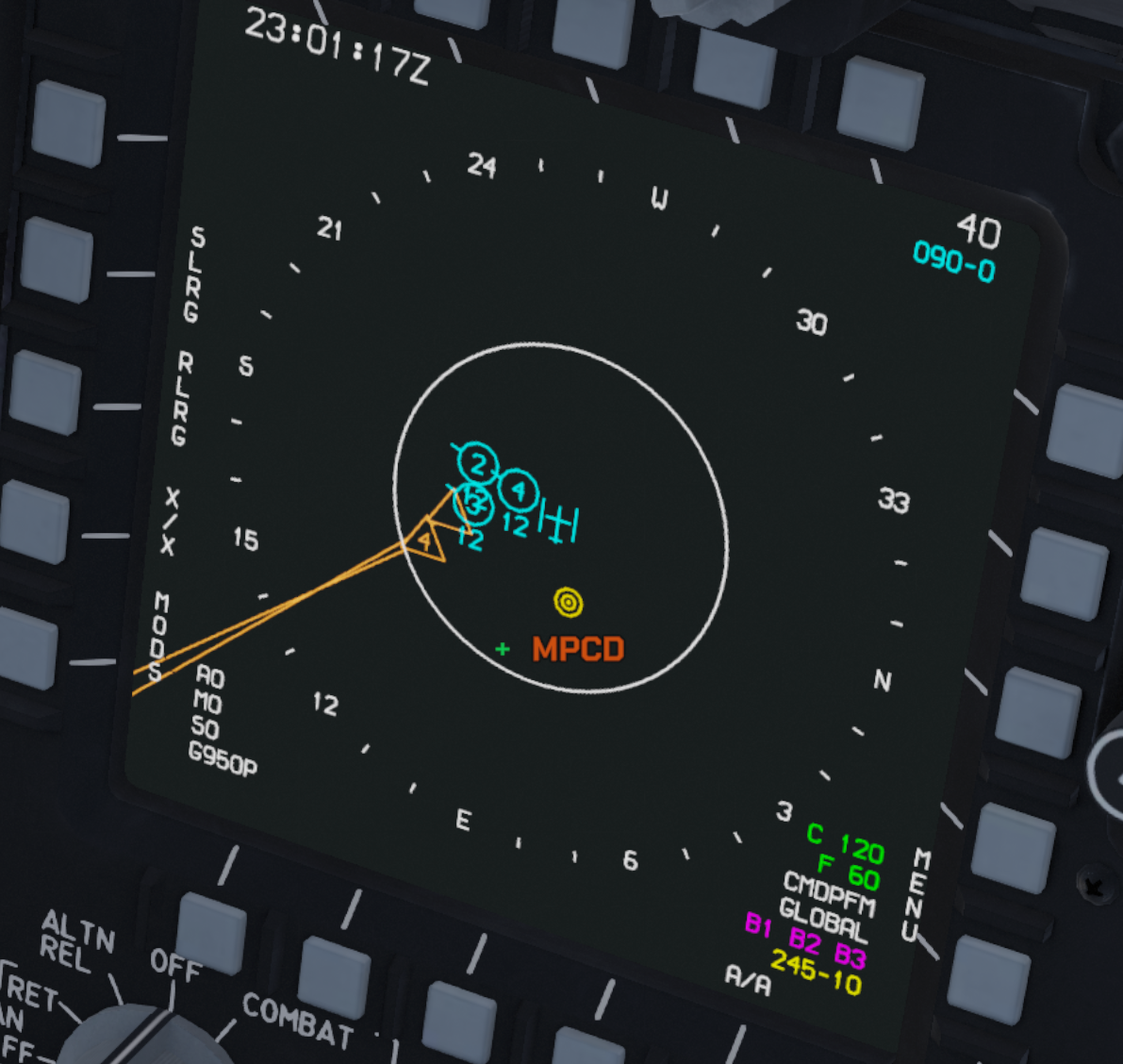
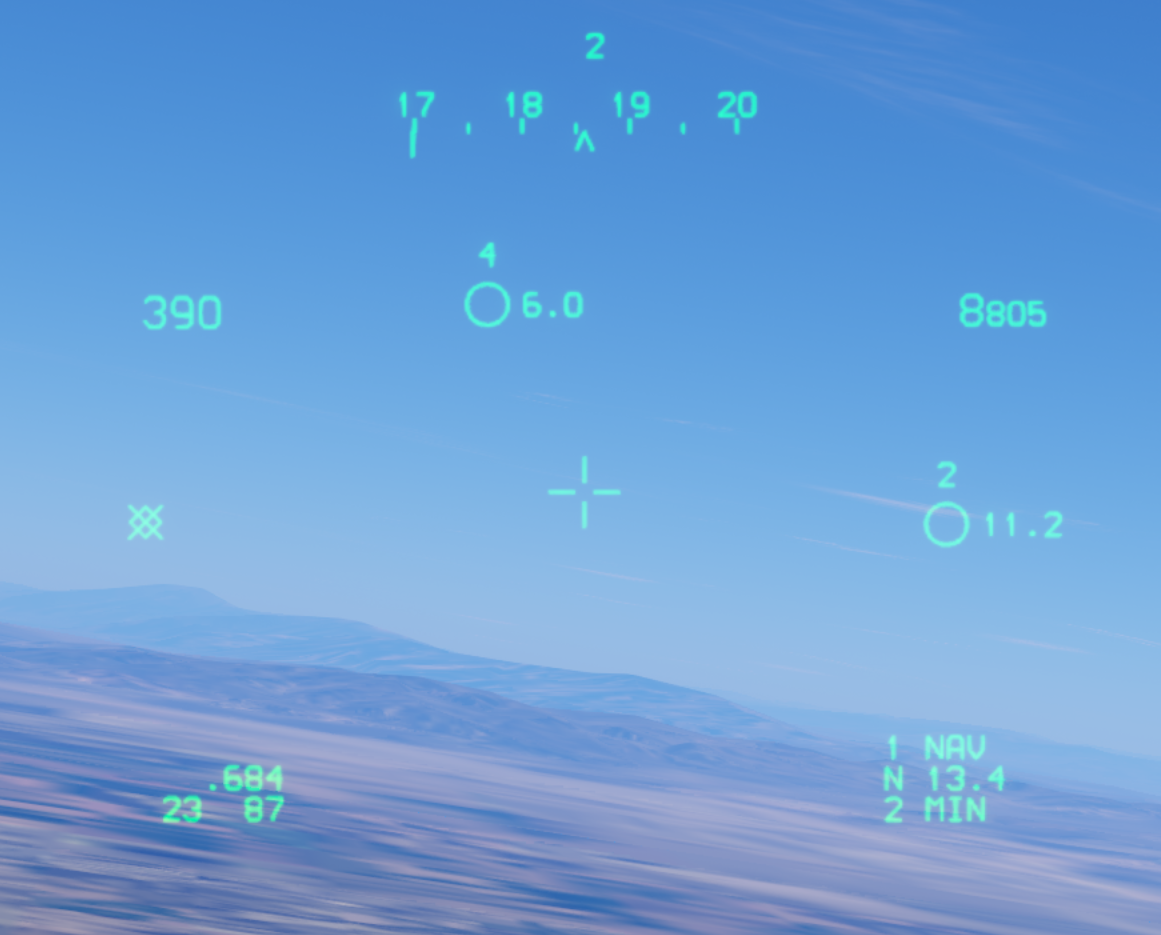
For datalink and SIT symbols, see MPCD.
3. Sensor cueing
One of the HMD’s main functions is to cue sensors, such as the radar antenna or an infrared missile seeker. Both boresight (BST) and long-range boresight (LR BST) modes support HMD radar antenna cueing. Image 6 shows its use in boresight mode.
Within the radar antenna’s gimbal limits, pointing the HMD toward a target can direct the antenna toward it for acquisition and lock-on. Antenna movement remains limited by its gimbal range.
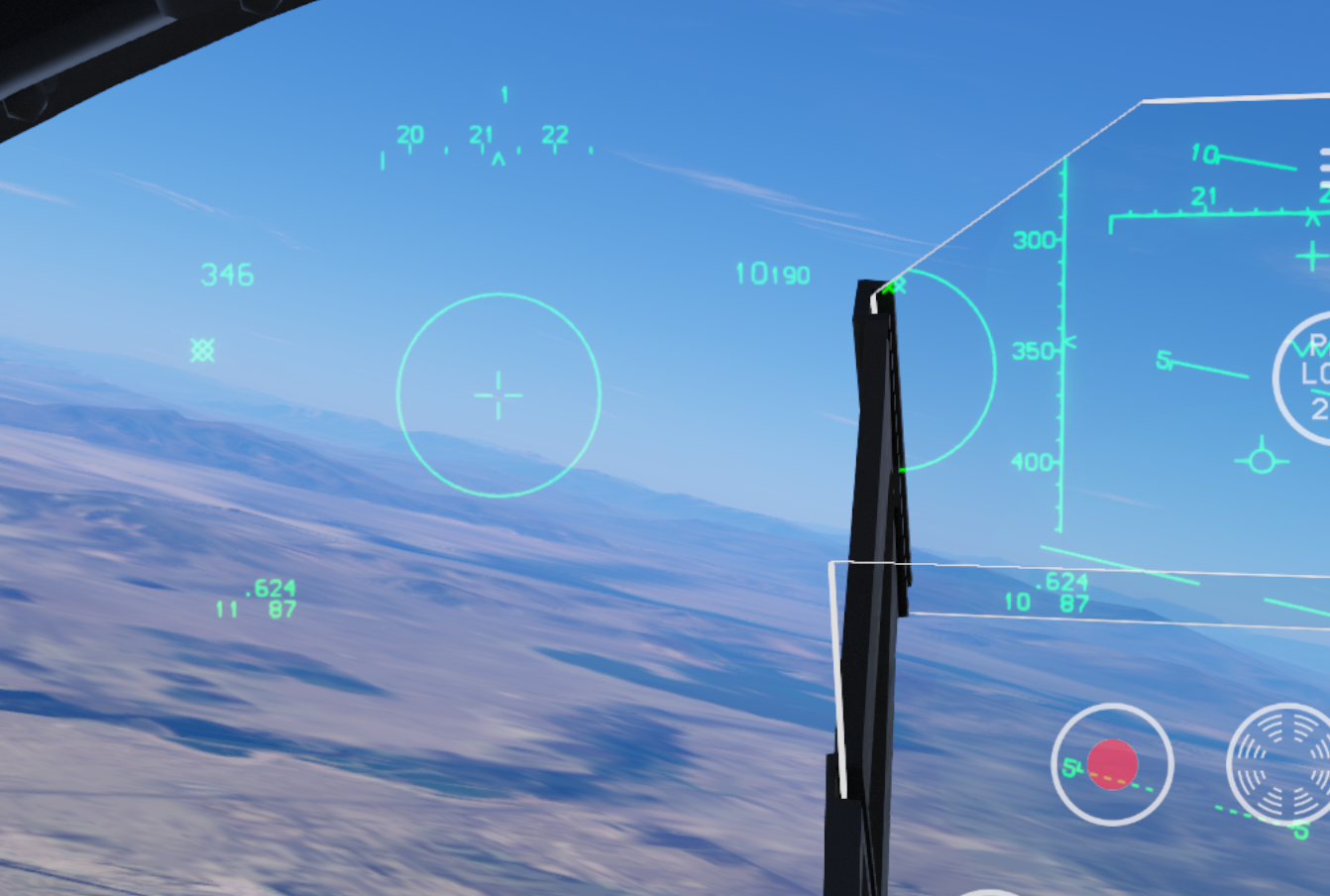
For radar modes and auto-acquisition controls, see AN/APG-63 Radar and VSD.
4. Target and weapon range
The HMD also includes target and weapon-range information. Image 7 shows a target box and range scale, allowing the pilot to read this information while looking away from the HUD.
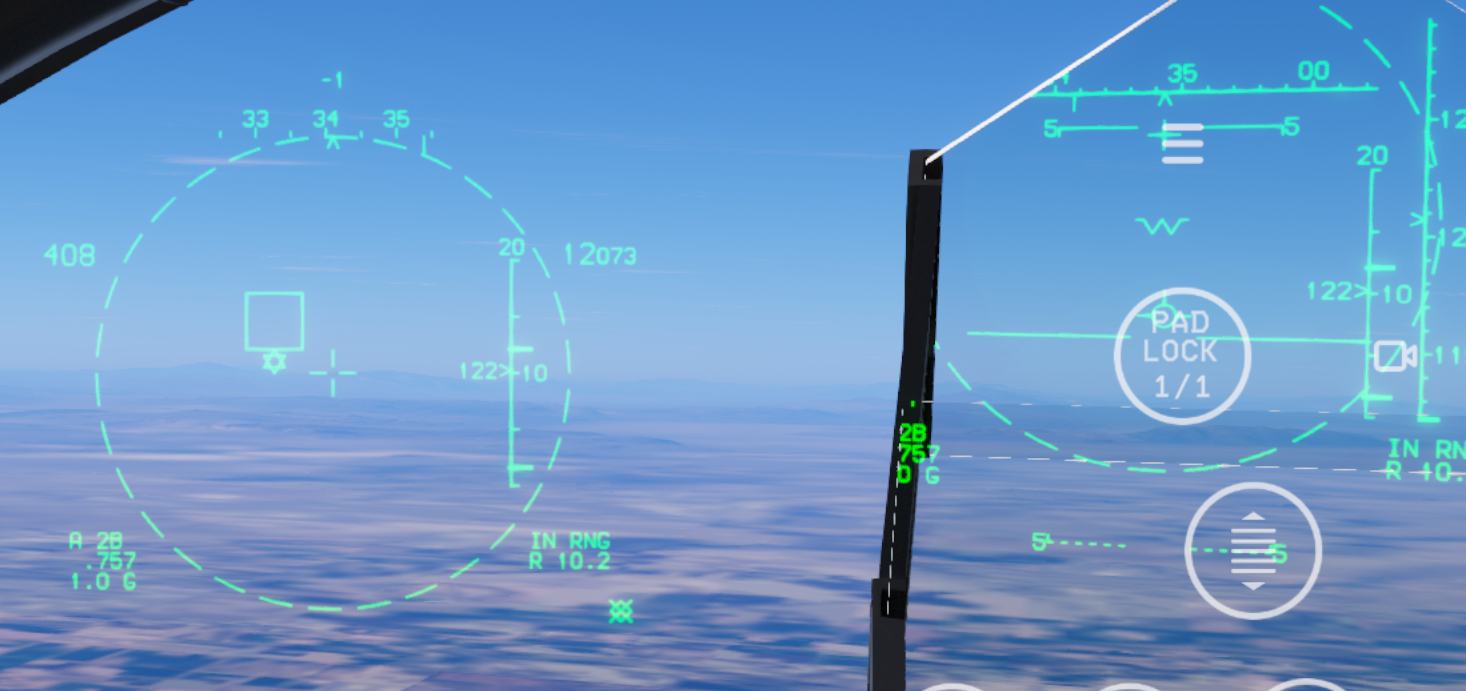
5. HMD-slaved infrared-guided missile seeker demonstration
For an example of using the HMD to cue an infrared missile seeker, watch the HMD-slaved infrared-guided missile seeker demonstration (starting at 7 seconds).