F-15C "Eagle" air superiority fighter
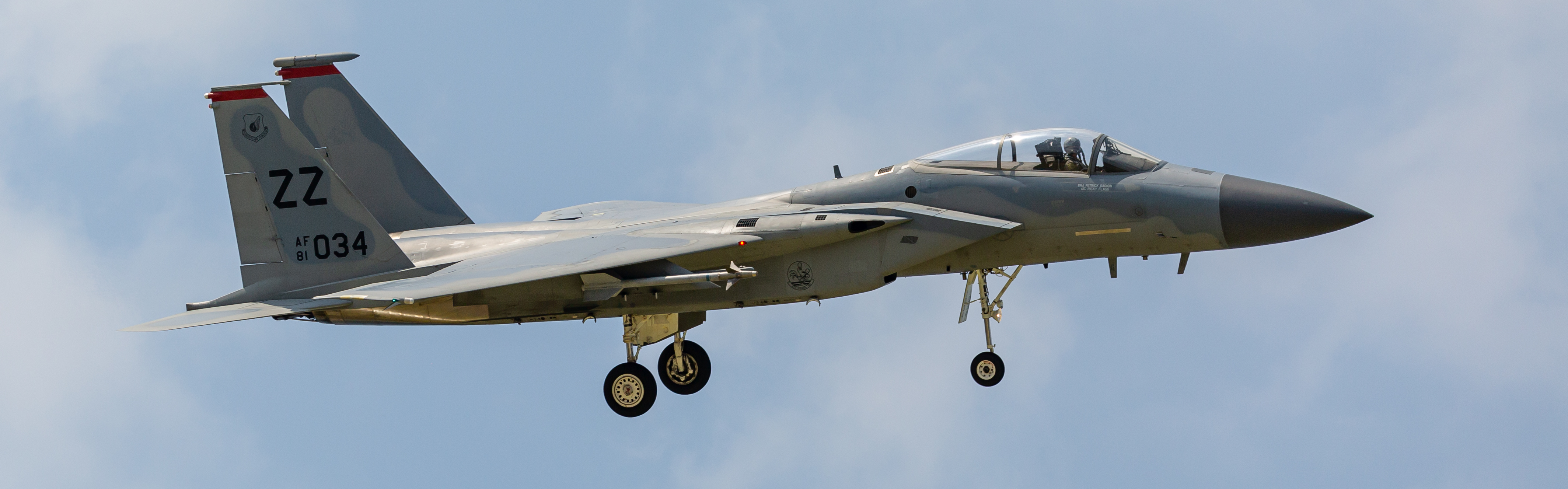
This chapter describes the systems currently implemented in Red Flag Sim for the F-15C and how they are linked together. It is an in-simulator implementation guide and does not replace real flight or maintenance manuals.
Flight and control states
Flight state is determined by several parameters at once (indicated airspeed, Mach, altitude, attitude, angle of attack, load factor, and fuel state). HUD references are primary, while cockpit instruments are required for cross-check.
The units differ by type, so do not read AoA as geometric attitude and do not treat TAS/Mach as interchangeable with IAS.
Relevant pages: Cockpit Instruments, HUD operation, Touch UI.
Radar and target data
AN/APG-63 tracking and search are displayed on VSD (Vertical Situation Display). Core modes covered here are Long Range Search (LRS), Track-While-Scan (TWS), Single Target Track (STT), and Close-Range Auto Acquisition.
LRS is primarily for search, TWS maintains track continuity while scanning, and STT is single-target pursuit mode. Distance scale and antenna elevation define the active coverage; being inside distance scale does not guarantee altitude coverage.
Radar data contributes to HUD target, range, and weapon-display logic. Raw return, track data, and STT lock states differ, so target symbols must be interpreted by mode.
Relevant page: AN/APG-63 Radar and VSD.
Weapons and display behavior
F-15C weapons workflows include cannon, AIM-9, AIM-7, and AIM-120. Shared symbols exist, but launch constraints and guidance readiness differ by weapon and mode.
| Weapon | Typical display and requirements |
|---|---|
| Cannon | Depending on available ranging data, it supports different pipper references including GDS and post-launch BATR prompts. |
| AIM-9 | Uses seeker-state guidance; use radar or IR lock state according to current mode and targeting logic. |
| AIM-7 | In this game, launch requires STT and sustained radar support after release. |
| AIM-120 | Uses radar-supported launch timing and can also be fired in VISUAL mode when no PDT is available. |
HUD values such as ASE, turn point, and DLZ are dynamic by mode and closure geometry; ASE activation and guidance state should be evaluated before shot decisions.
Relevant pages: HUD Operation, Radar and VSD.
Countermeasure and warning systems
TEWS/RWR indicates radar threats and electronic attack activity. RWR symbol distance is relative to threat direction/rate indications, not geometric slant range.
Different warnings represent different cue families (search, track, hard lock, launch-related cues). Infrared warnings are not always represented in the RWR stream. See Defensive Systems.
Reading order
For first-time onboarding of this aircraft:
Acronym references are listed in Appendix: Acronyms.
Roadmap
Current implementation does not yet include:
- Cold start from dead-air state
- Ground crew service interactions (refuelling, rearm, repair, external power)
- Full ejection sequence chain
- In-sim interactive radio voice with AWACS, wingmen, ATC, and ground support